Beautiful device mockups from a single screenshot
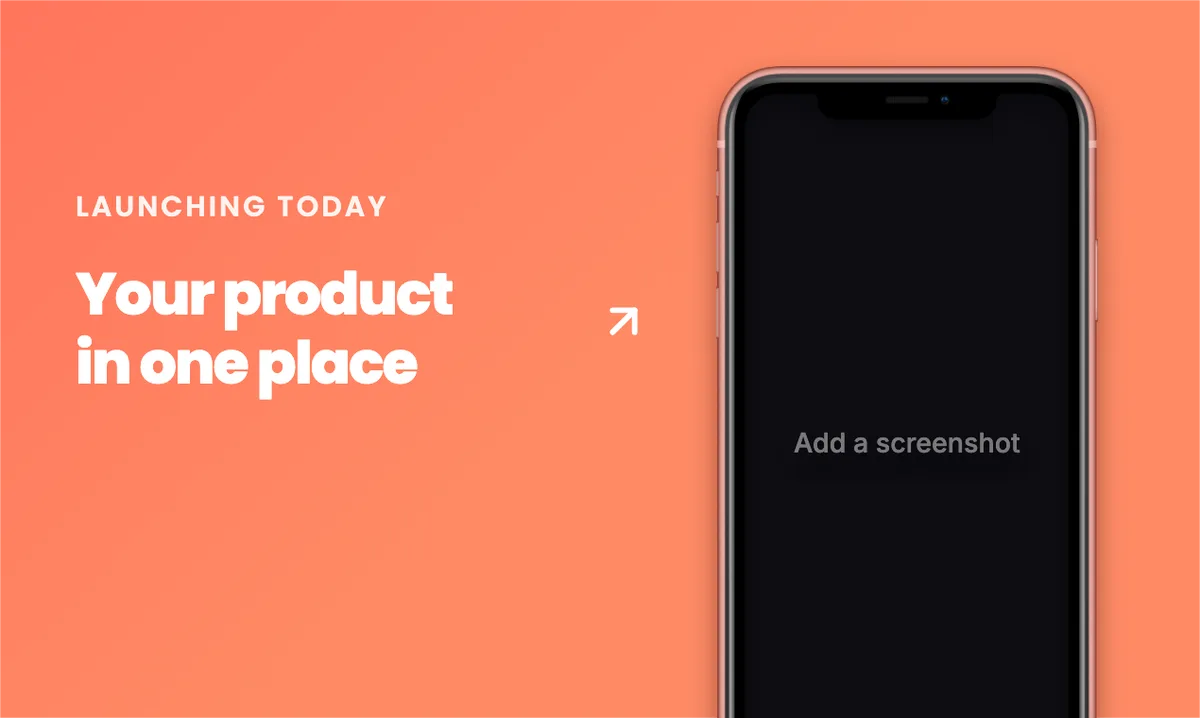
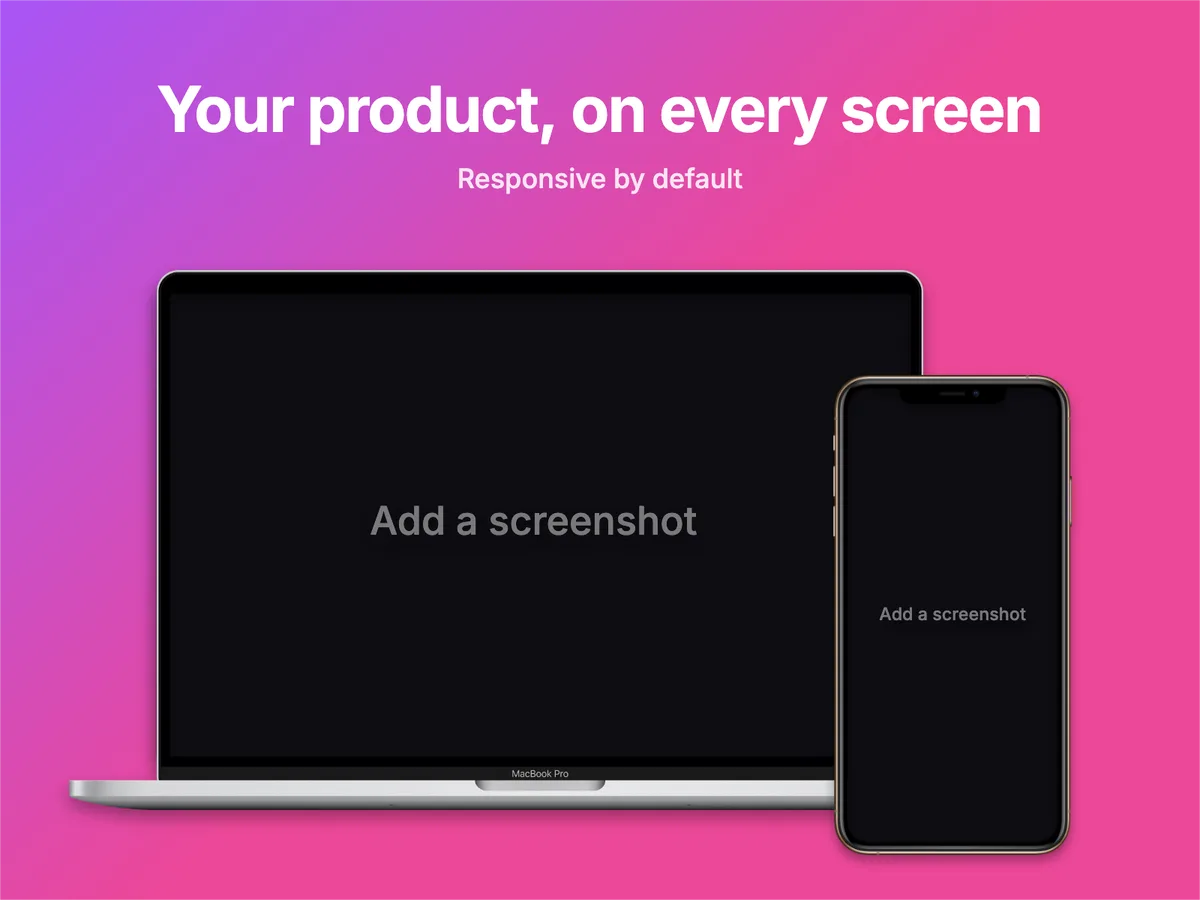
Drop in a screenshot, pick a device or browser window, add a headline, and export a high-resolution visual for your store listing, landing page or social post. Free, no sign-up, entirely in your browser.
Pick a size
Instagram, Twitter, App Store, YouTube… or any custom canvas up to 6000 px.
Add devices & frames
Choose a device or a browser window, then drop, paste or upload your screenshot.
Style & export
Background, text, shadows, icons. Export at up to 4× or copy straight to your clipboard.
Start from a template.
Correctly sized for every network. Swap the device, drop your screenshot, done.
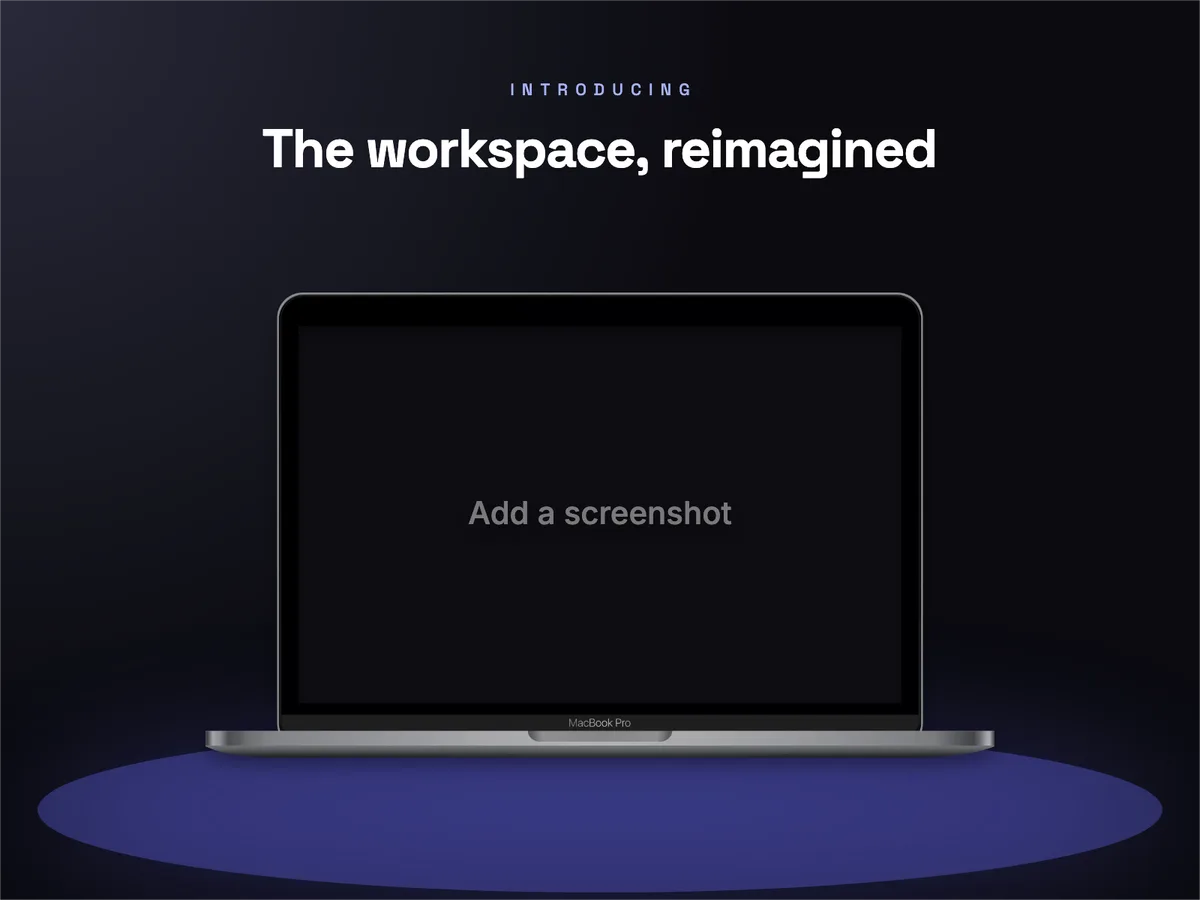 Use →Dribbble Shot · MacBook dark studioDribbble · 1600×1200
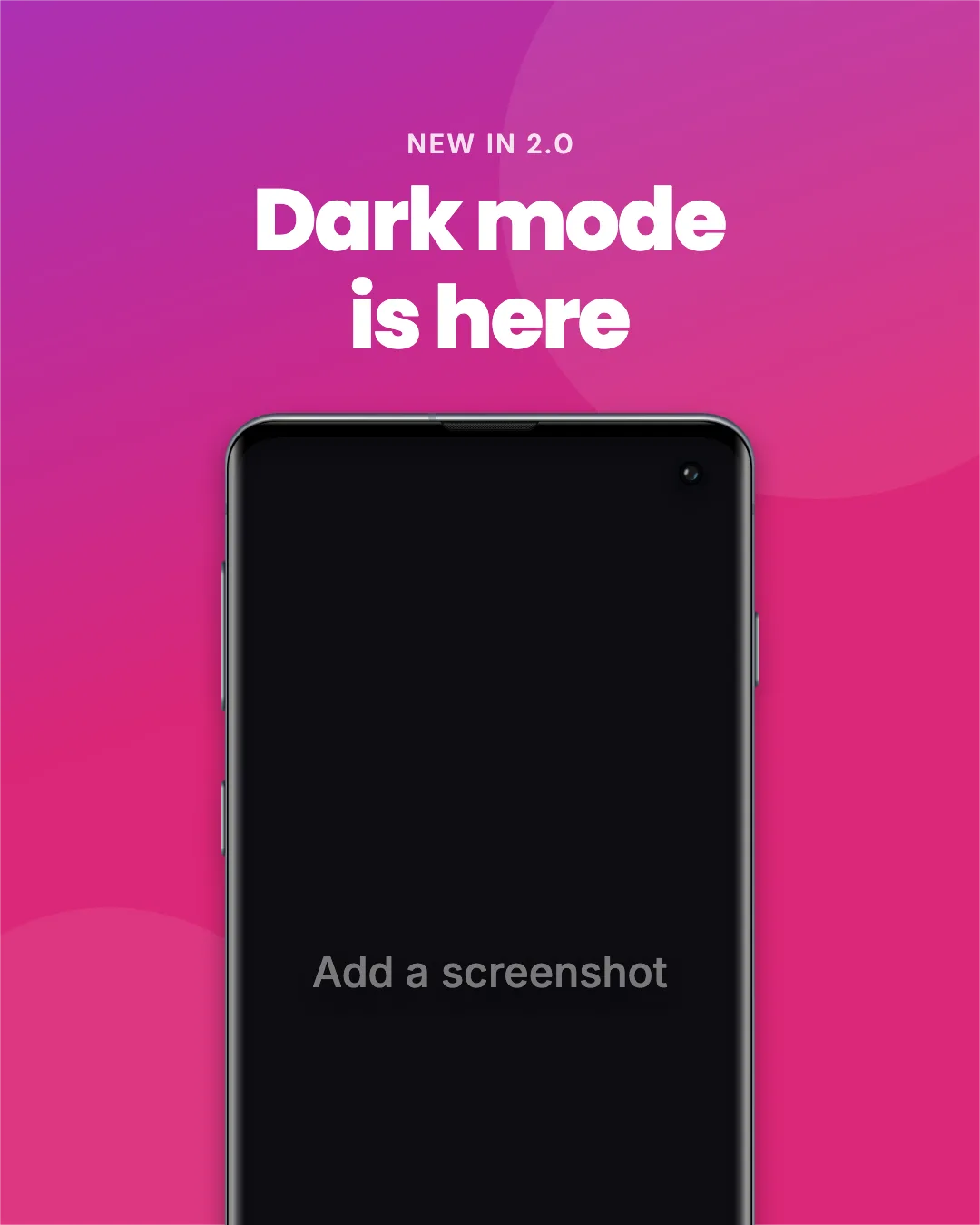 Use →Instagram Portrait · Galaxy S10 gradientInstagram · 1080×1350
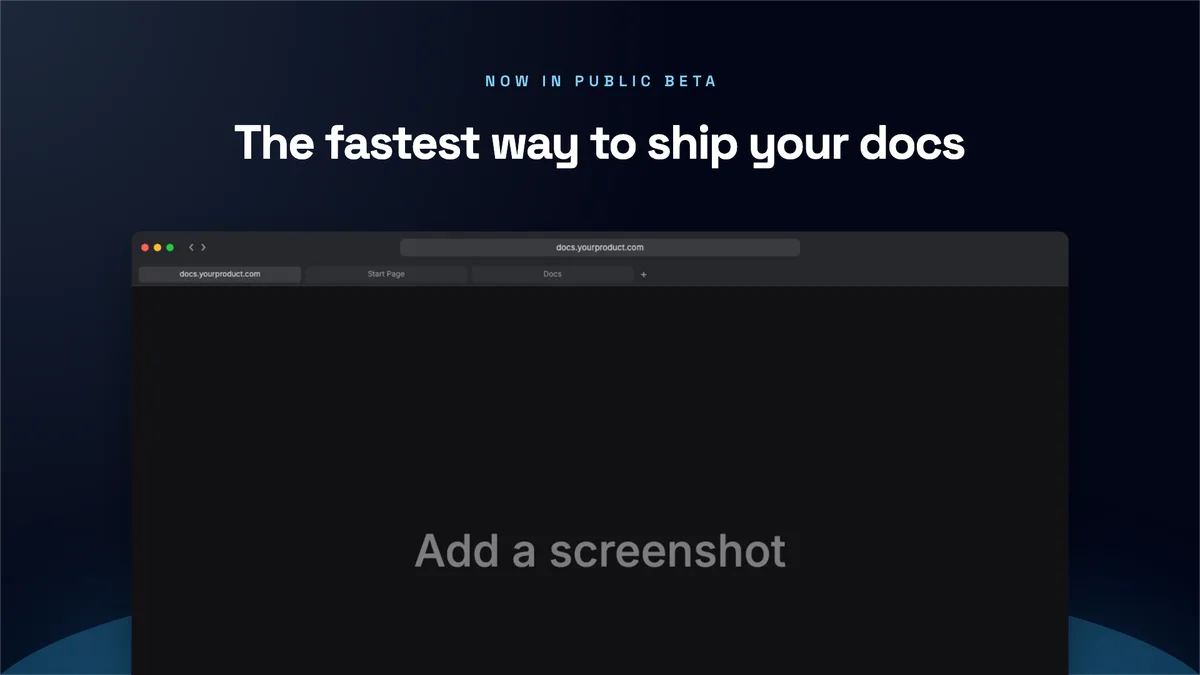 Use →Website Hero · Safari with tabsWebsite · 1920×1080
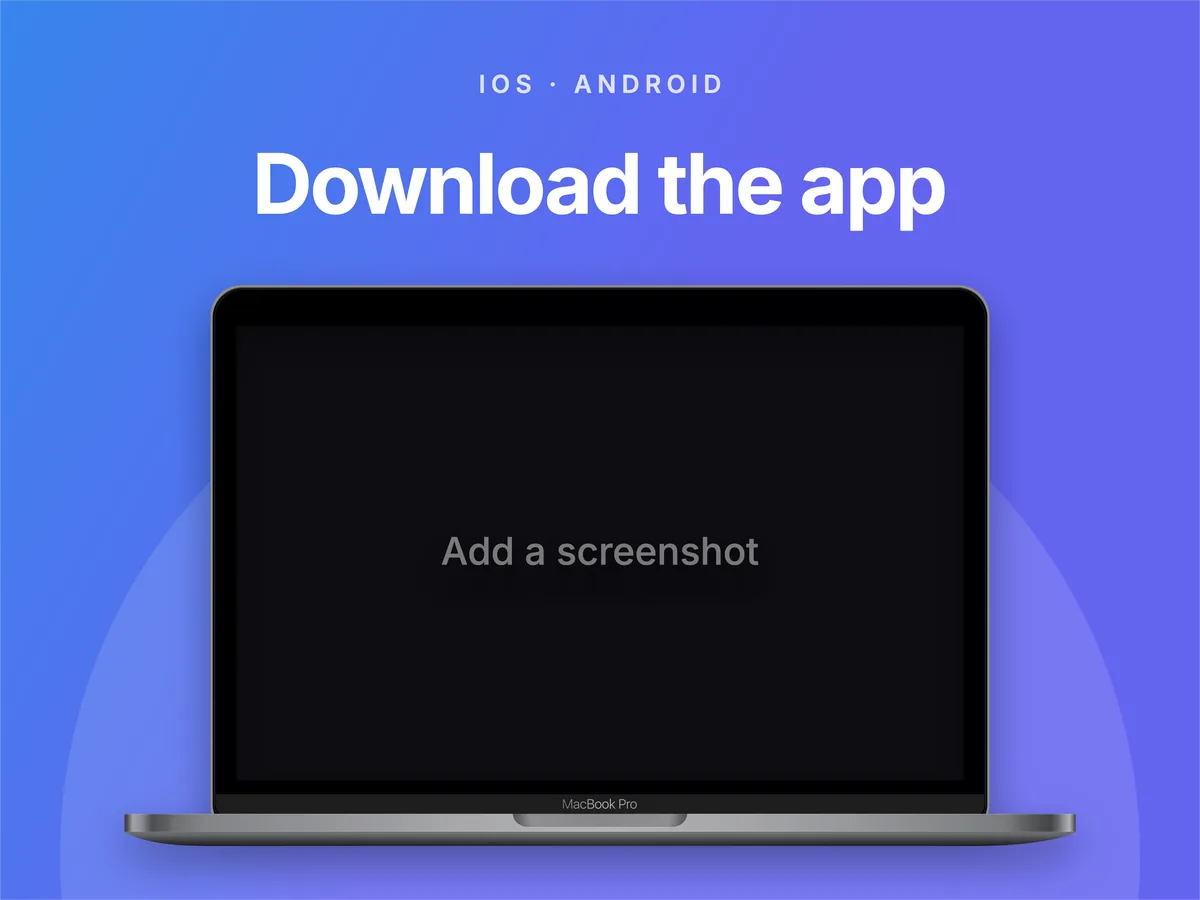 Use →Dribbble HD shot · LaptopDribbble · 3200×2400
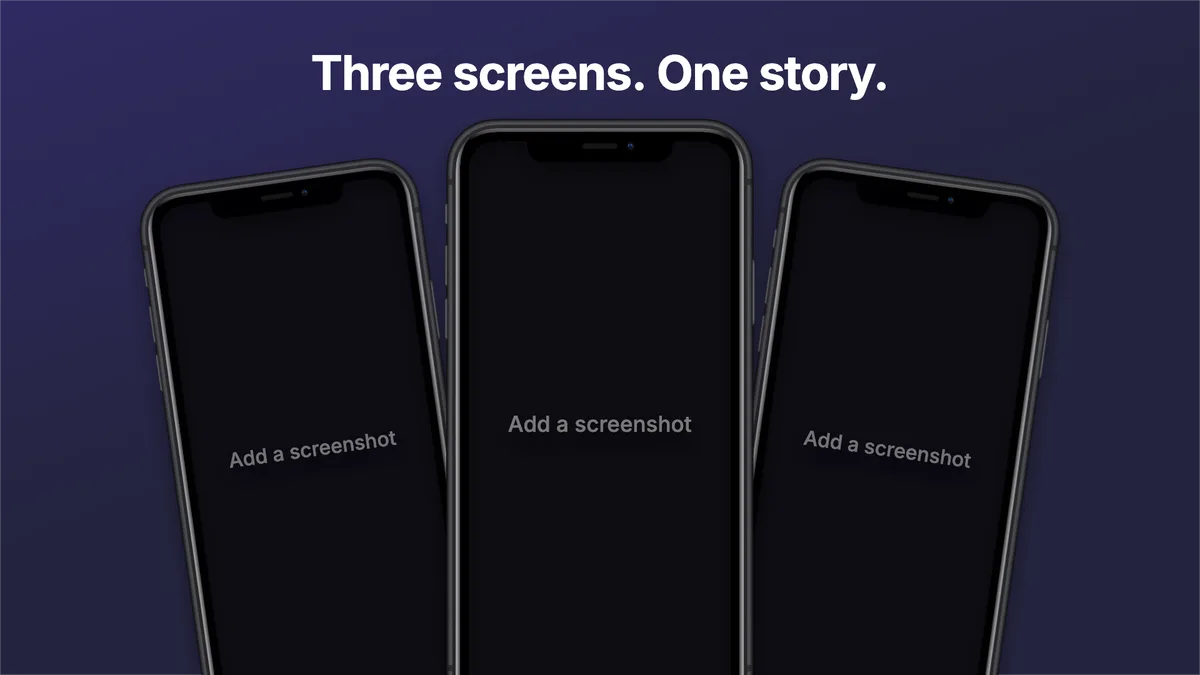 Use →Website Hero · Three iPhonesWebsite · 1920×1080
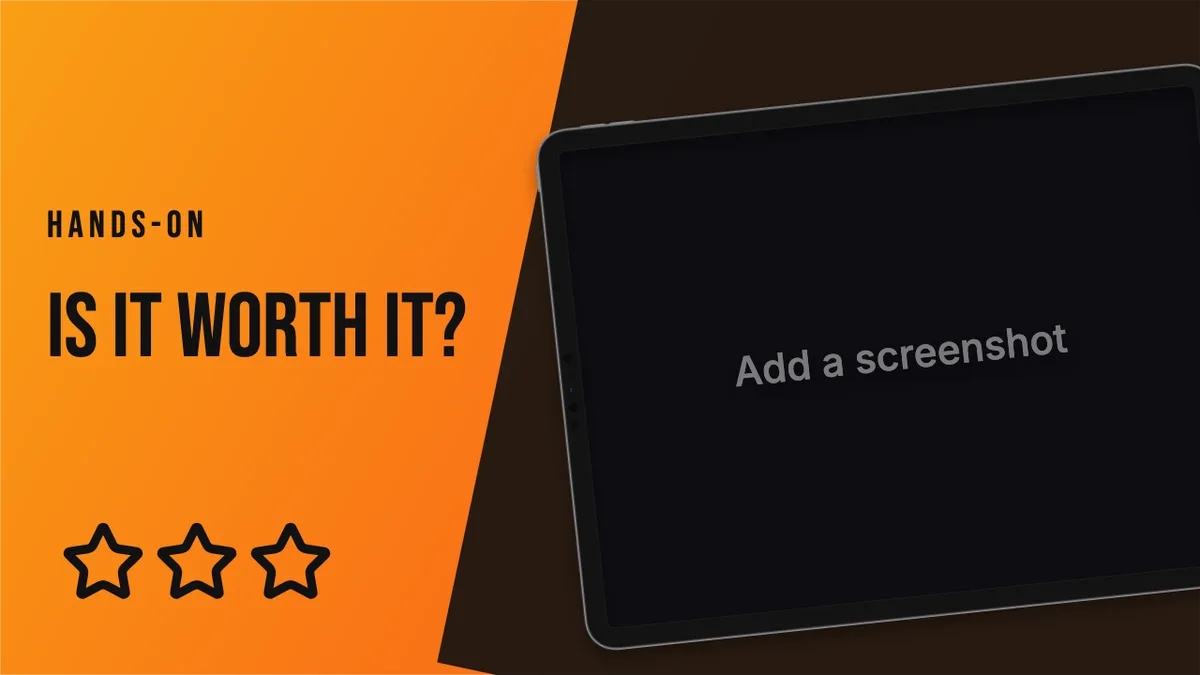 Use →YouTube Thumbnail · Bold reviewYouTube · 1280×720
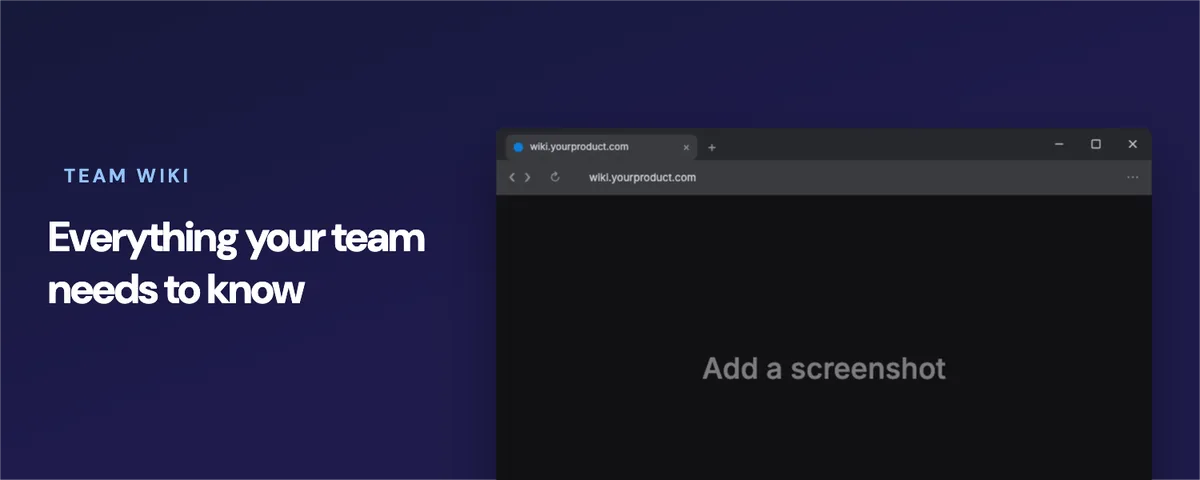 Use →Notion Cover · Edge window darkNotion · 1500×600
 Use →Behance Project image · Surface Pro case studyBehance · 1400×1050
 Use →LinkedIn Banner · XPS laptopLinkedIn · 1584×396
 Use →Open Graph Link preview · Arc windowOpen Graph · 1200×630
 Use →Presentation 16:9 slide · iMac slidePresentation · 1920×1080
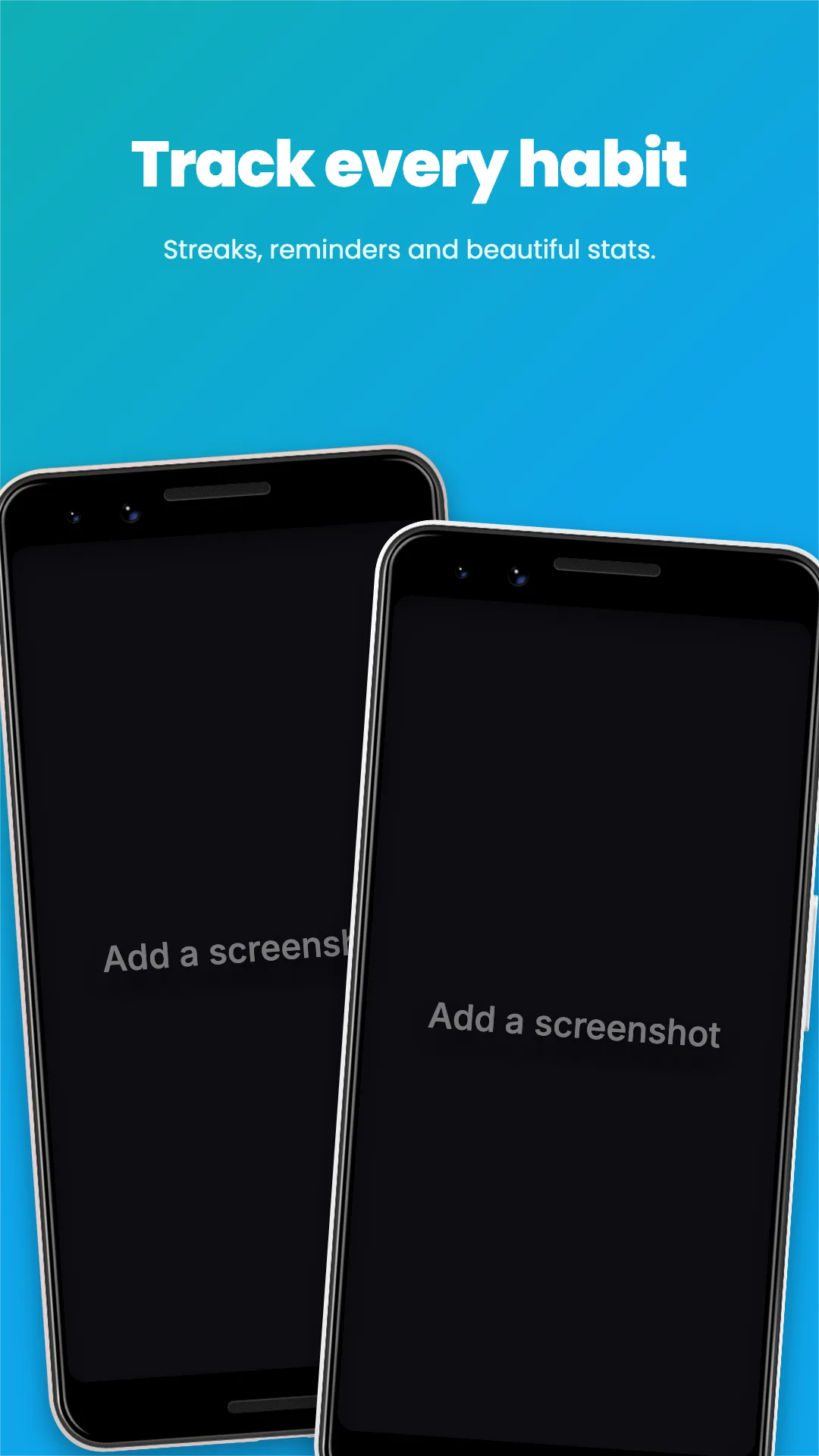 Use →Google Play Screenshot · Pixel pairGoogle Play · 1080×1920
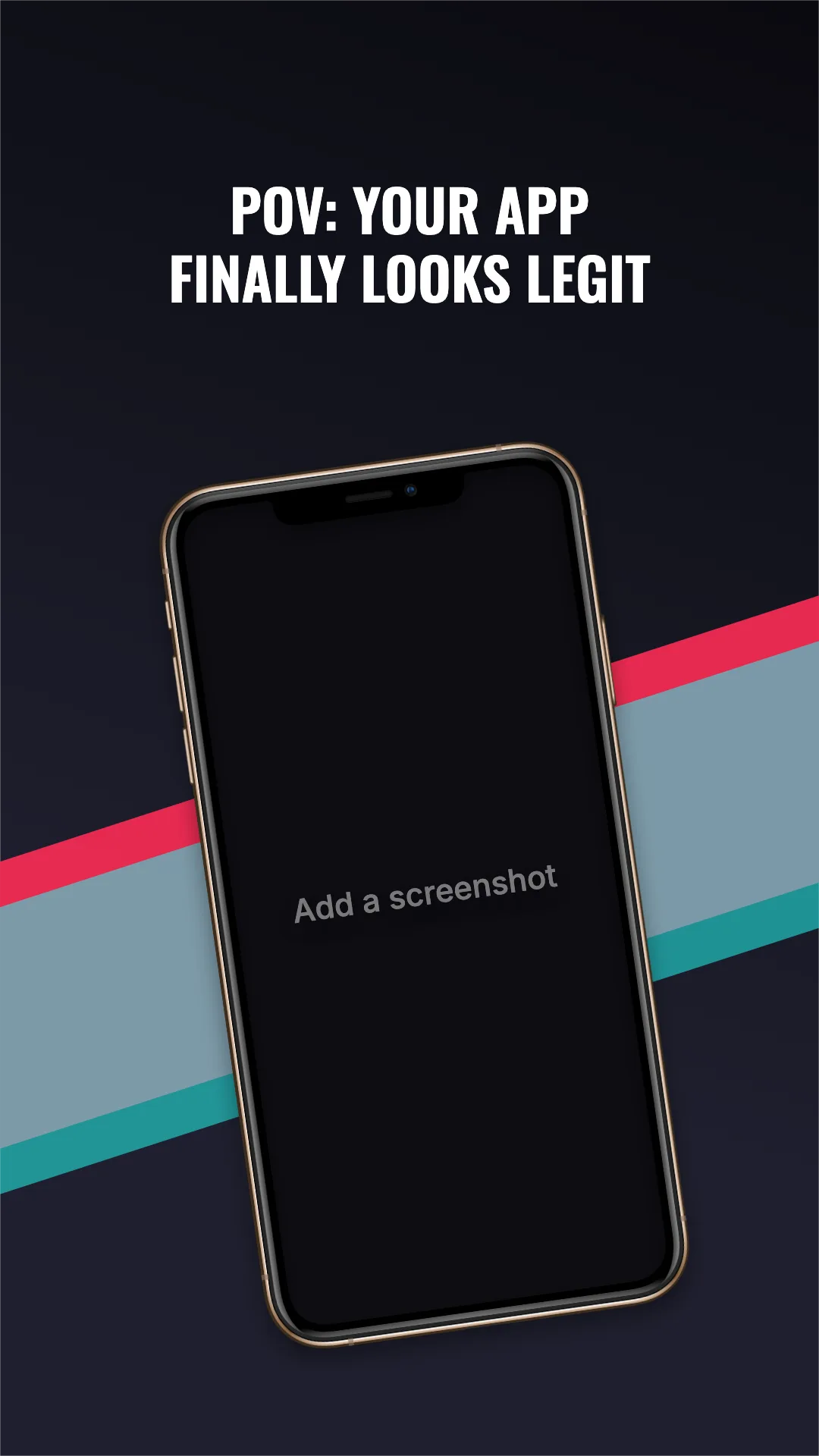 Use →TikTok Video cover · Neon stripesTikTok · 1080×1920
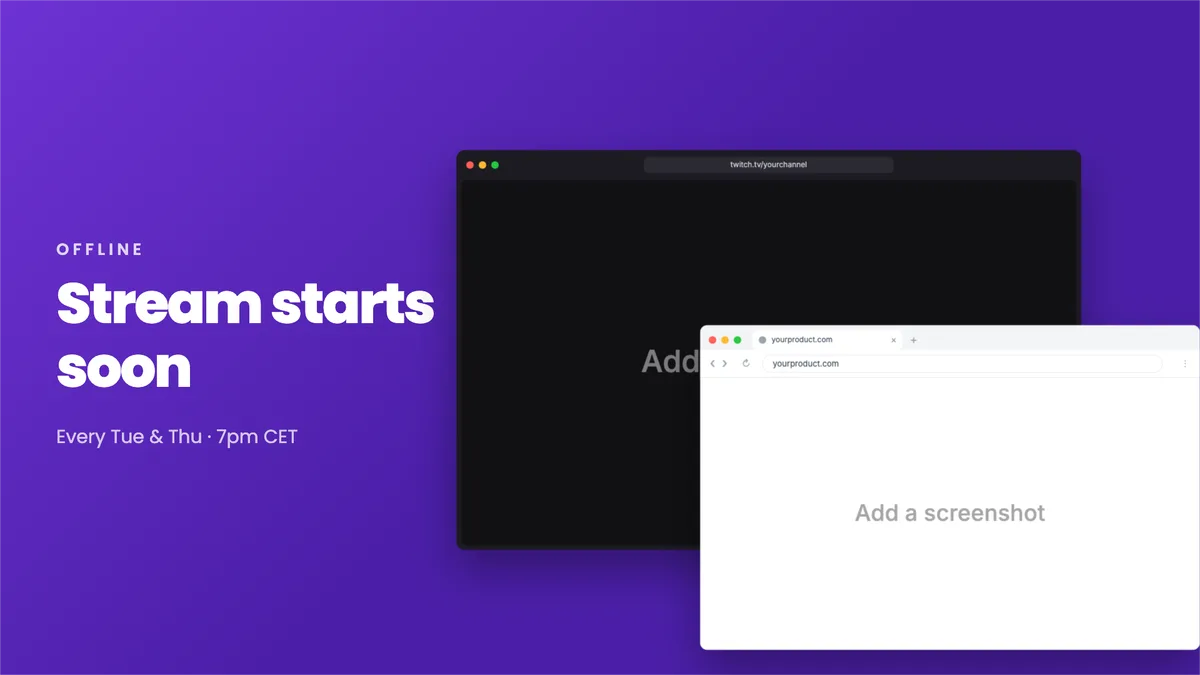 Use →Twitch Offline banner · Two windowsTwitch · 1920×1080
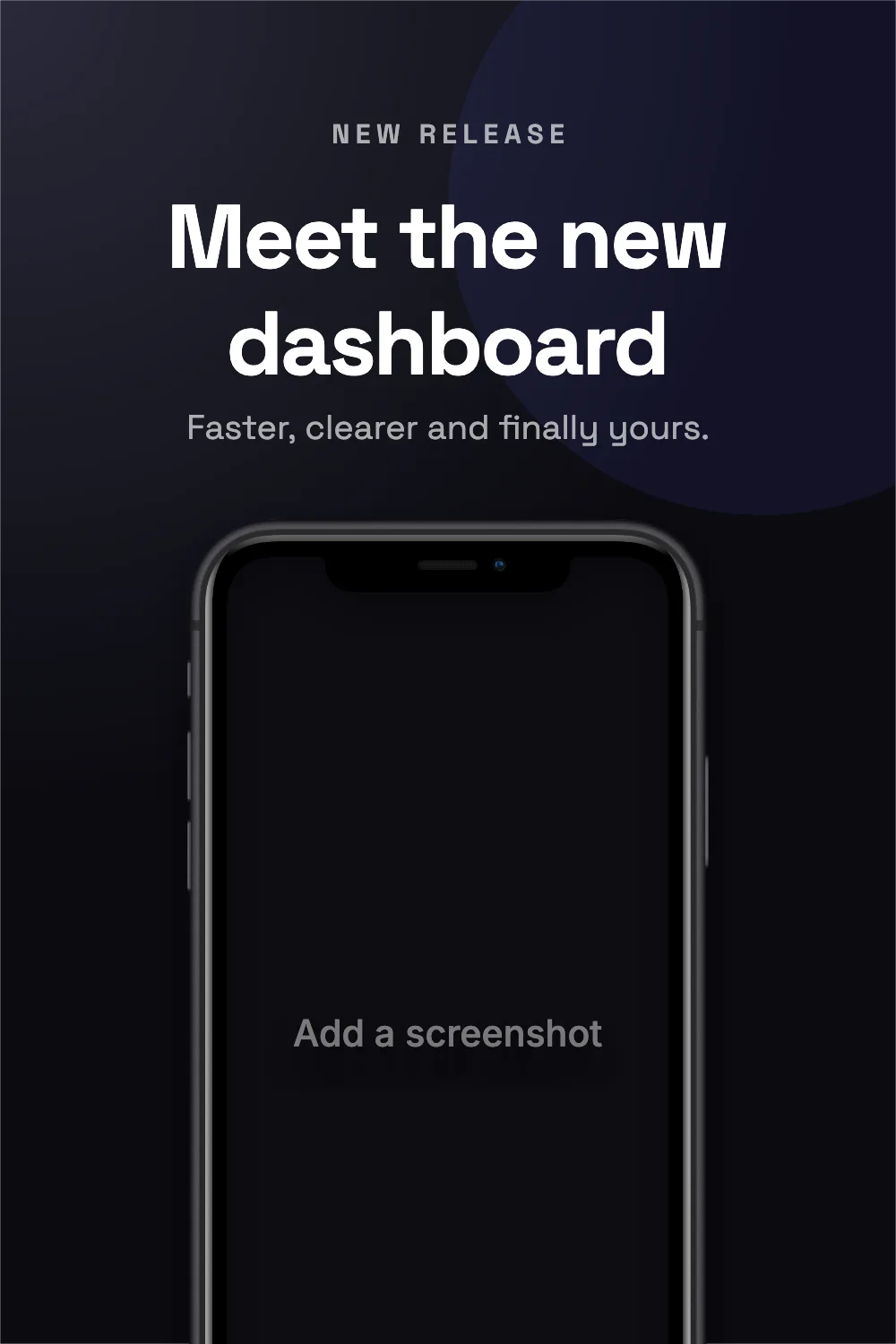 Use →Pinterest Pin · Tall phonePinterest · 1000×1500
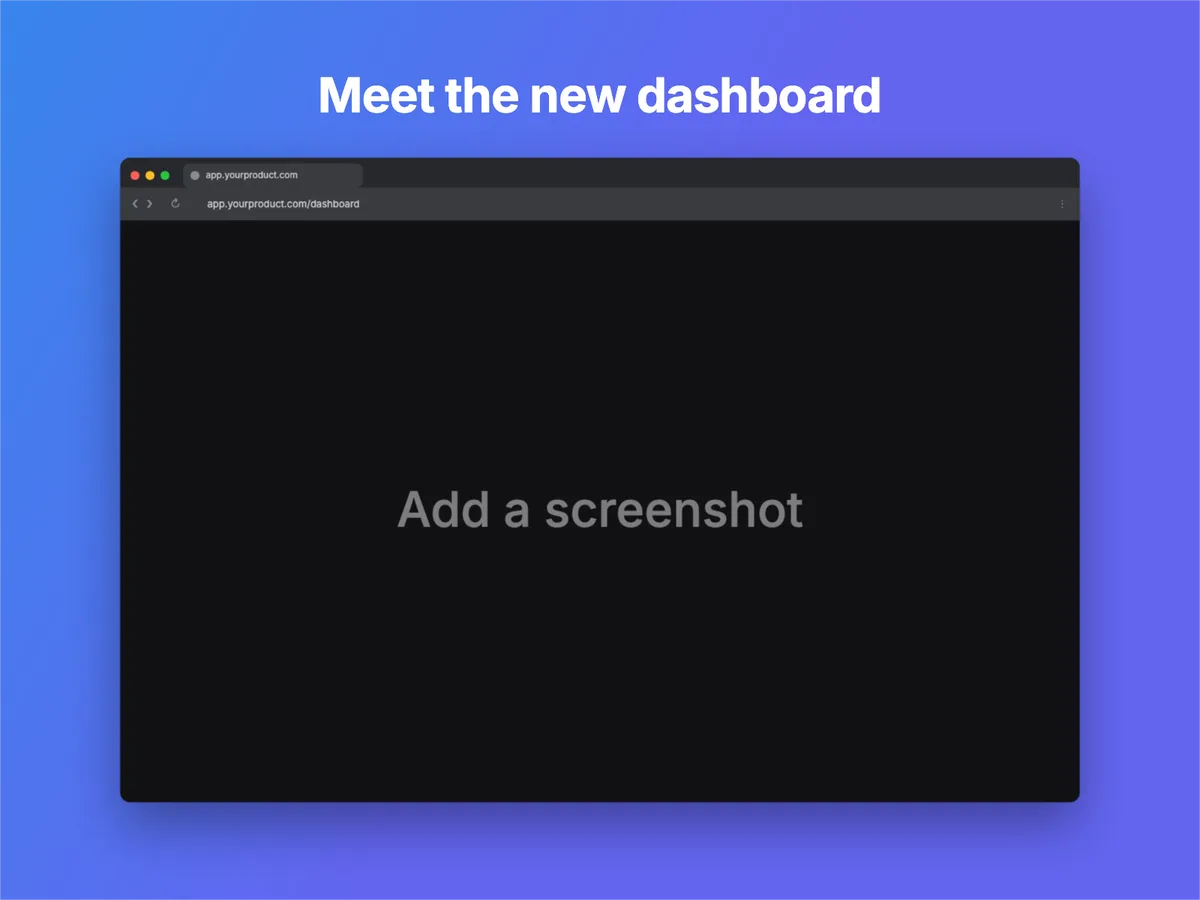 Use →Dribbble Shot · Chrome window darkDribbble · 1600×1200
Or frame it in a browser.
9 vector window styles, light or dark, with an address bar you can type into. Sharp at any size.
- ‹›yourproduct.comOpen →SafariCompact bar, centred address
- ‹›yourproduct.comyourproduct.comStart PageDocs+Open →Safari (tabs)Toolbar with a tab row below
- yourproduct.com×+‹›↻yourproduct.com⋮Open →ChromeTab strip + toolbar
- yourproduct.com×+‹›↻yourproduct.com⋮Open →Chrome (Windows)Caption buttons, no traffic lights
- yourproduct.com×+‹›↻yourproduct.com⋯Open →EdgeWindows chrome, rounded tabs
- yourproduct.com×+‹›↻yourproduct.com⋮Open →BraveChrome layout, orange accents
- yourproduct.comOpen →ArcTinted, inset content
- yourproduct.com+‹›yourproduct.comOpen →FirefoxTabs above toolbar
- yourproduct.comOpen →MinimalJust the traffic lights





In a hurry? Open the editor with a Safari window and drop your screenshot in.
Popular devices.
Each frame is a high-resolution photo-realistic render with the screen area mapped precisely.
- iPhone 11 Pro MaxApple · 4 colours
- MacBook Pro 16Apple · 2 colours
 iPad Pro 11Apple · 2 colours
 Pixel 4Google · 3 colours
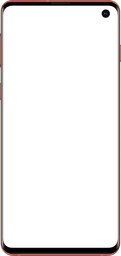 Galaxy S10Samsung · 5 colours
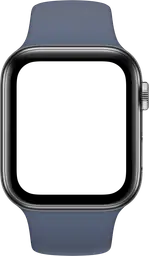 Watch Series 5 44mmApple · 8 colours
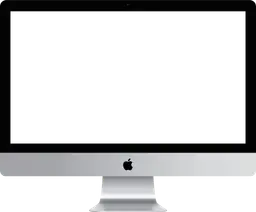 iMacApple
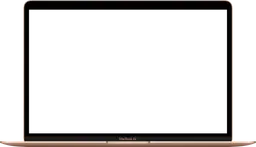 MacBook AirApple · 3 colours
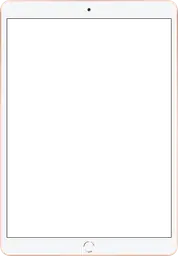 iPad AirApple · 3 colours
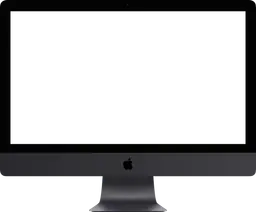 iMac ProApple
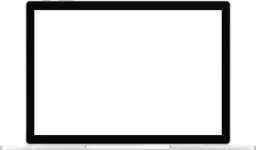 Surface BookMicrosoft
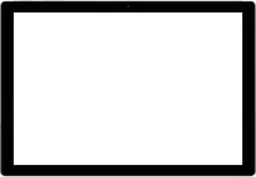 Surface Pro 4Microsoft
Everything you need to ship a great-looking screenshot.
A real layer-based editor, not a form, with the fidelity of a design tool and the speed of a web app.
76 device frames
iPhone, iPad, Pixel, Galaxy, MacBook, Surface, Apple Watch and more, in every official colour.
Browser windows
9 crisp vector window styles: Safari, Chrome, Edge, Brave, Arc, Firefox and more, with an editable address bar. Light or dark.
Text, shapes & icons
23 fonts, gradients, shadows and 2,000+ icons to turn a screenshot into a finished visual.
Real layers
Drag, rotate, snap to guides, reorder, lock and duplicate. Full undo and redo.
Pixel-perfect export
PNG, JPG, WebP or SVG at up to 4× from the original frames. Transparent backgrounds supported.
Private by design
Nothing is uploaded. Screenshots never leave your browser, and projects autosave locally.
Ready to make your screenshot look the part?
No account, no watermark, no upload. Open the editor and export your first mockup in under a minute.