
‹›
deviceshots.com
Safari window
Compact bar, centred address
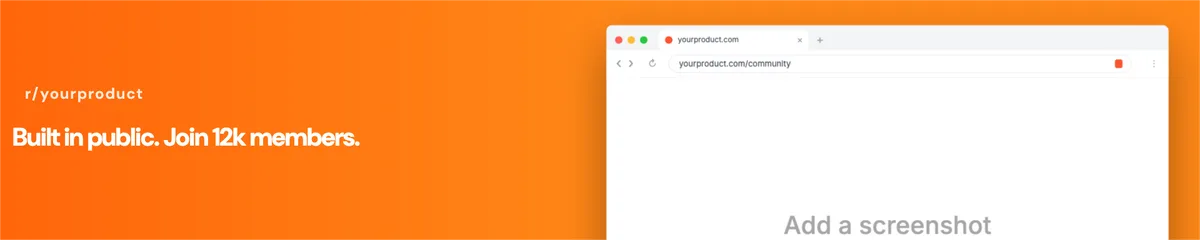
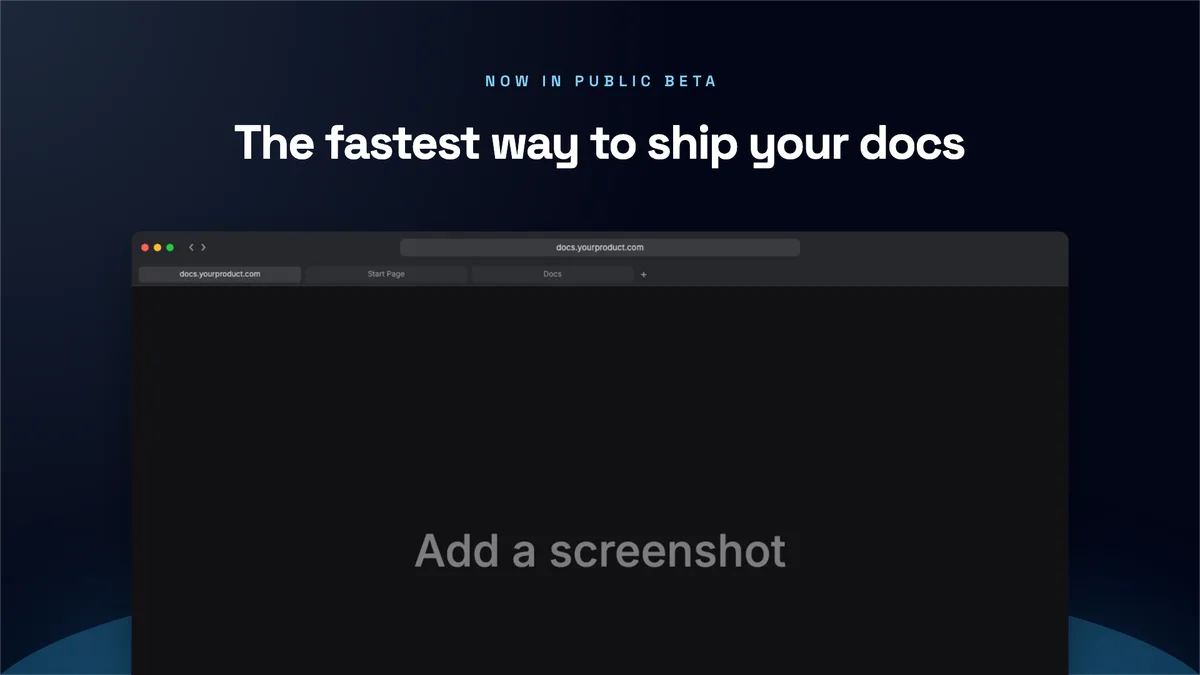
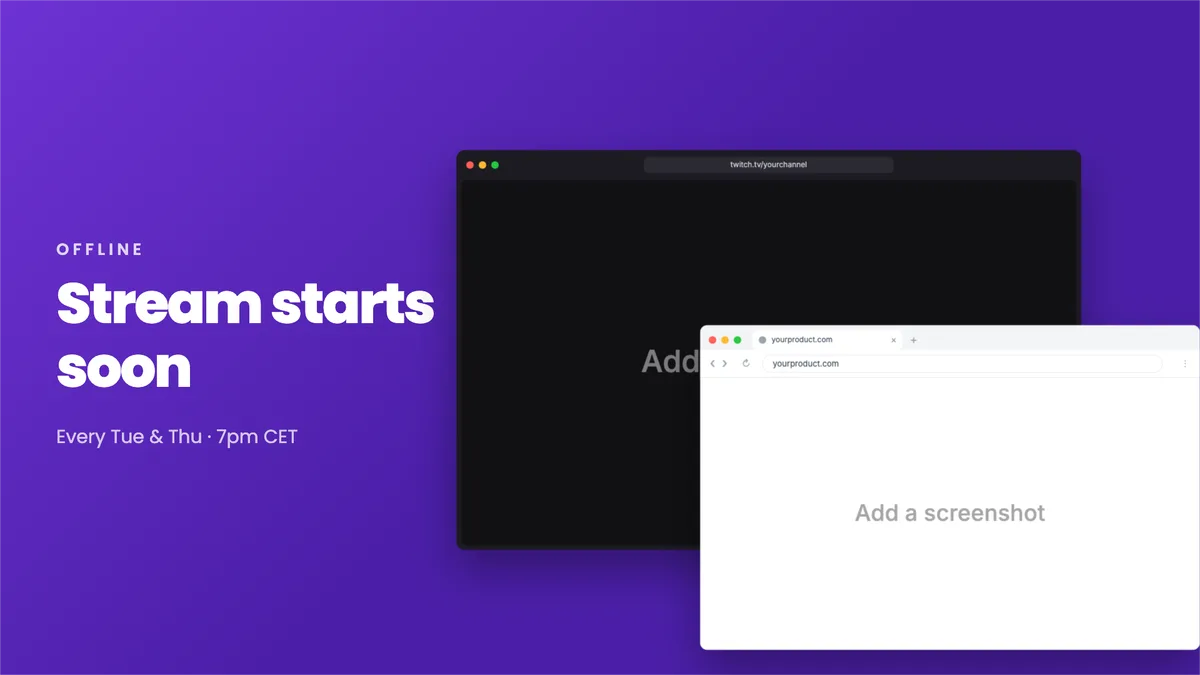
9 vector browser frames for website and web-app screenshots. Pick a style, switch the theme, type your domain, then open it straight in the editor.
Compact bar, centred address
Toolbar with a tab row below
Tab strip + toolbar
Caption buttons, no traffic lights
Windows chrome, rounded tabs
Chrome layout, orange accents
Tinted, inset content
Tabs above toolbar
Just the traffic lights
Device frames are photos of hardware. Browser windows are pure geometry, which makes them lighter, sharper and infinitely resizable.
Every window is drawn from shapes and text, so it stays razor sharp at 1× or 4× and exports cleanly to SVG.
Each style ships in both themes with matched toolbar, tab and address-field colours.
Type your own domain. The URL is real text on the canvas, so it re-flows with the window.
Resize freely: the chrome keeps its proportions and the screenshot fills the content area.
Bar heights are in window pixels at 1× and scale with the window.
| Style | Looks like | Chrome height | Tabs | Address bar | Content | Best for |
|---|---|---|---|---|---|---|
| Safari | macOS | 52 px | No | Centred | Edge to edge | Website hero images |
| Safari (tabs) | macOS | 88 px | Yes | Centred | Edge to edge | Web-app dashboards |
| Chrome | macOS | 84 px | Yes | Left-aligned | Edge to edge | Web-app marketing |
| Chrome (Windows) | Windows | 84 px | Yes | Left-aligned | Edge to edge | Windows and enterprise software |
| Edge | Windows | 84 px | Yes | Left-aligned | Edge to edge | Microsoft 365 and Windows apps |
| Brave | macOS | 84 px | Yes | Left-aligned | Edge to edge | Privacy-focused products |
| Arc | macOS | 48 px | No | Centred | Inset, rounded | Social posts |
| Firefox | macOS | 88 px | Yes | Left-aligned | Edge to edge | Developer tools |
| Minimal | Any OS | 40 px | No | Centred | Edge to edge | Tight layouts and thumbnails |
104 ready-made layouts already use a browser frame. Open one and drop in your screenshot.