

Chrome browser window mockup

A Google Chrome-style window on macOS: an active tab above a full toolbar with navigation glyphs, reload, a wide pill-shaped omnibox and an overflow menu. The most recognisable browser chrome and the one most users see every day.
deviceshots.com×
+‹›↻
deviceshots.com
⋮At a glance
- Chrome height
- 84 px
- Window controls
- macOS traffic lights
- Tab strip
- Yes
- Address bar
- Left-aligned
- Content area
- Edge to edge
- Themes
- Light, dark
- Rendering
- Vector
Anatomy
- 40 px tab strip with one active tab
- New-tab glyph and tab close
- 44 px toolbar
- Full-width omnibox
- Reload and menu glyphs
Best for
- Web-app marketing
- Chrome Web Store assets
- Product docs and changelogs
Light and dark
Both themes use the same geometry; only the palette changes, so you can switch after placing your screenshot.
deviceshots.com×
+‹›↻
deviceshots.com
⋮deviceshots.com×
+‹›↻
deviceshots.com
⋮Templates using a Chrome window
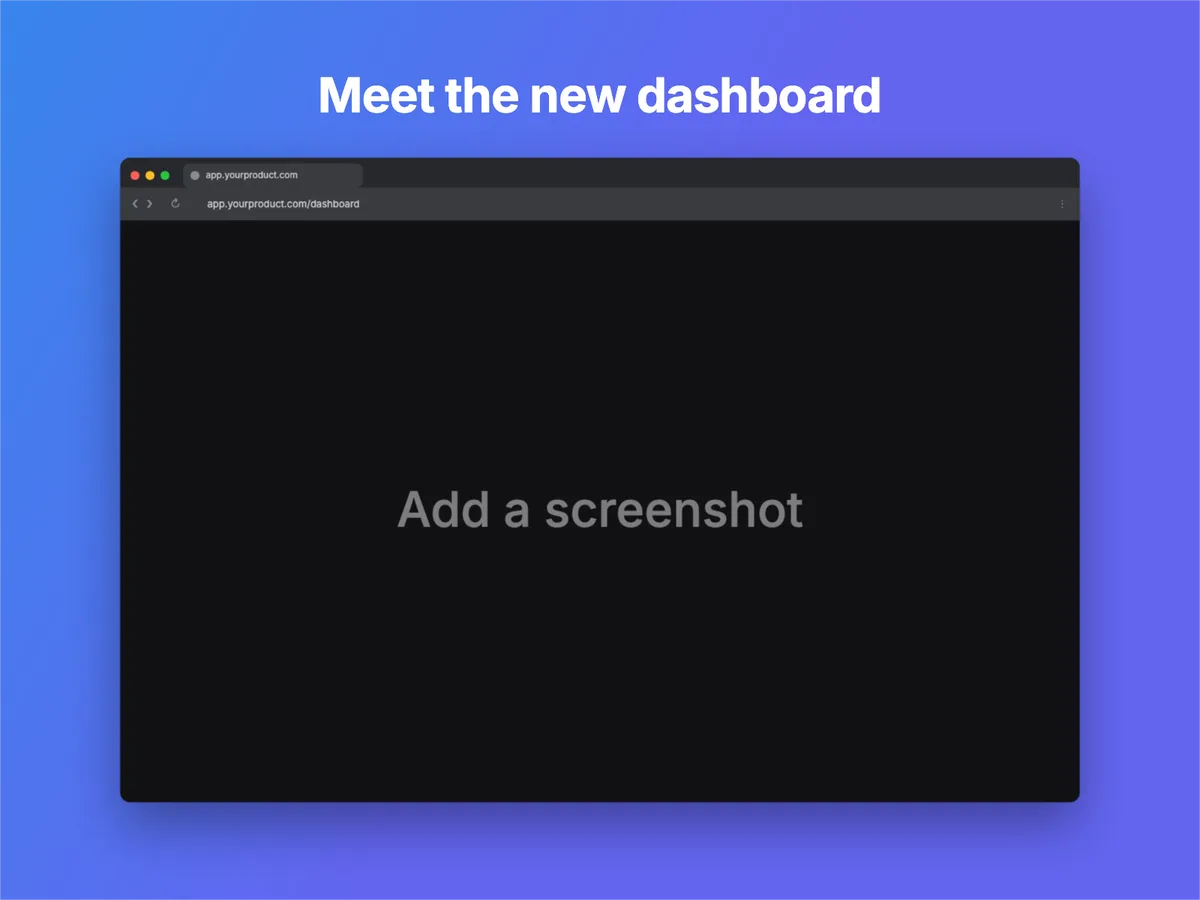
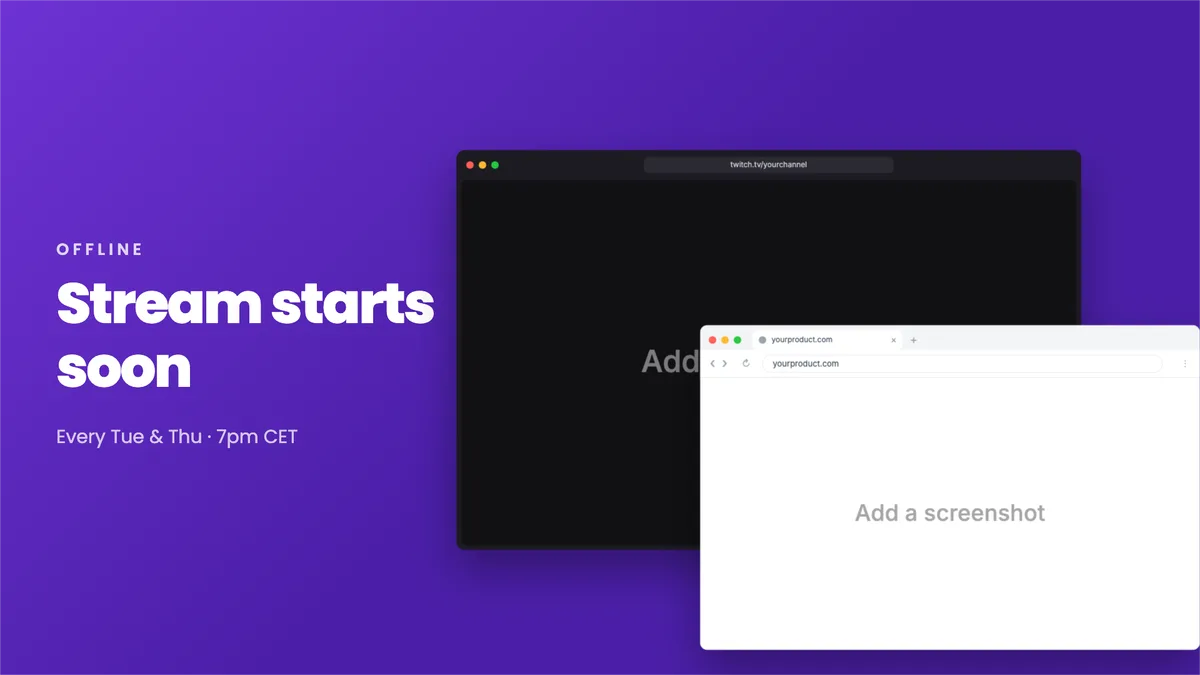
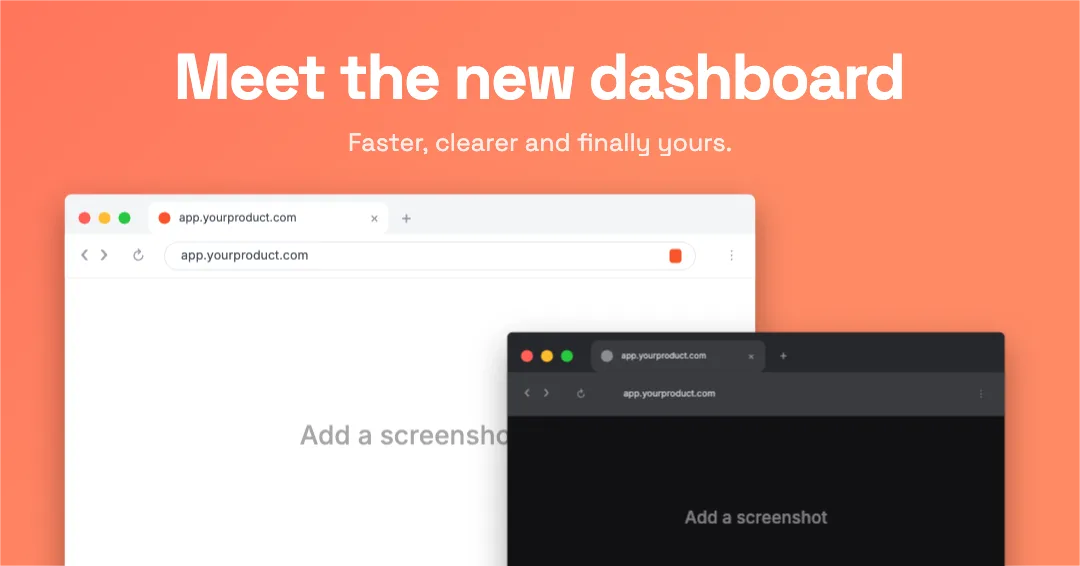
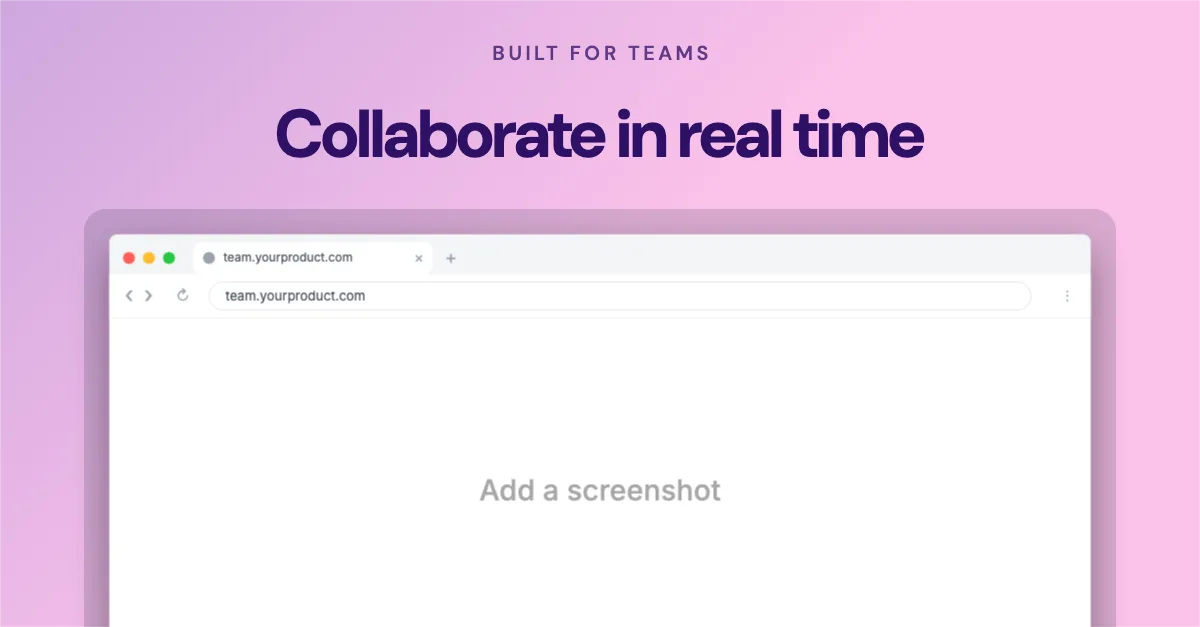
16 templates already place this window. Open one and drop in your screenshot.
Other styles
- ‹›deviceshots.comSafariCompact bar, centred address
- ‹›deviceshots.comdeviceshots.comStart PageDocs+Safari (tabs)Toolbar with a tab row below
- deviceshots.com×+‹›↻deviceshots.com⋮Chrome (Windows)Caption buttons, no traffic lights
- deviceshots.com×+‹›↻deviceshots.com⋯EdgeWindows chrome, rounded tabs
- deviceshots.com×+‹›↻deviceshots.com⋮BraveChrome layout, orange accents
- deviceshots.comArcTinted, inset content
- deviceshots.com+‹›deviceshots.comFirefoxTabs above toolbar
- deviceshots.comMinimalJust the traffic lights
 Safari
 Edge
Edge Brave
Brave Arc
Arc Firefox